
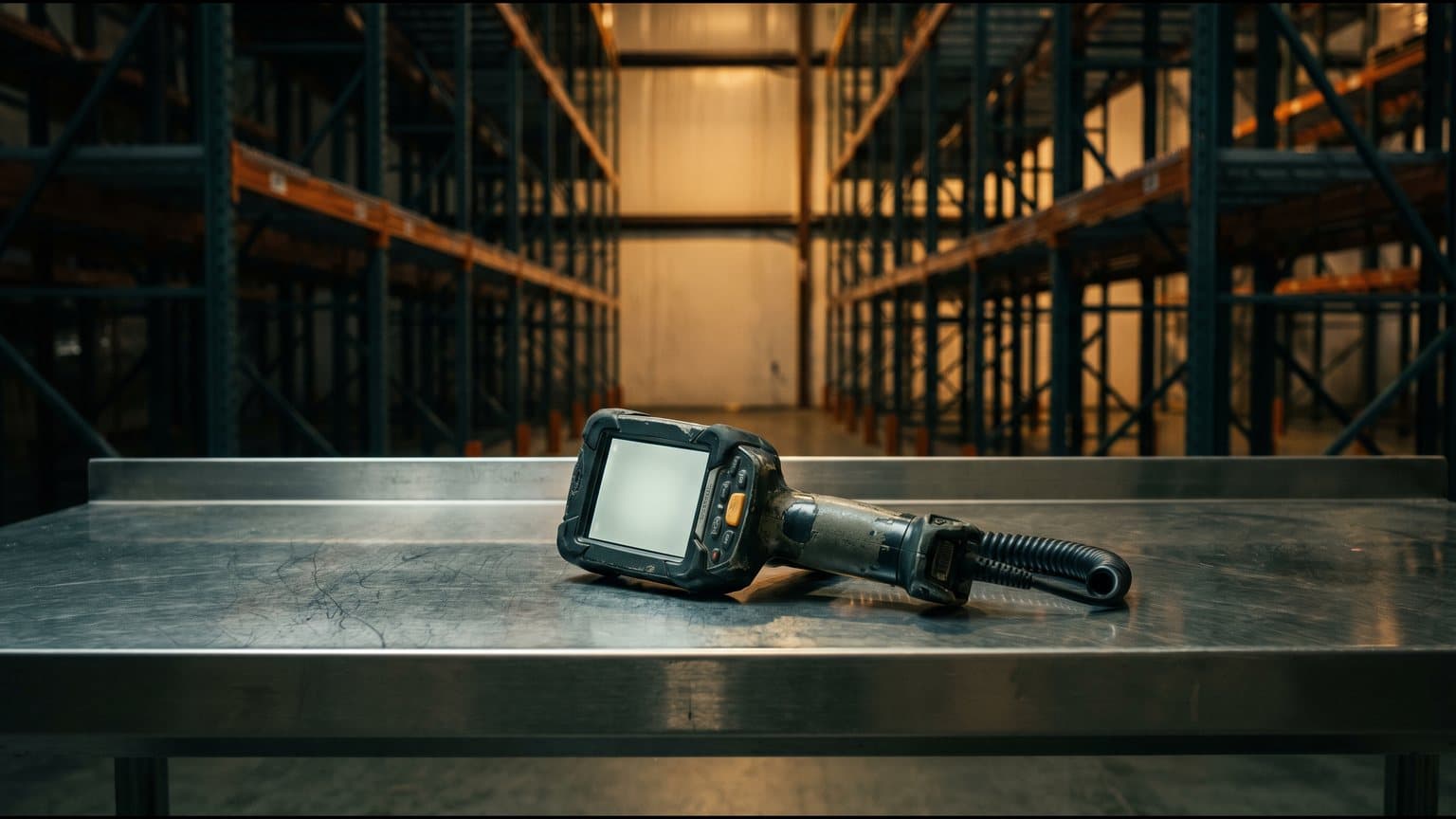
Most of what has been written about moving from SAP WM to EWM is written for the people who configure it. Storage types, process types, activity areas. All of it matters, and none of it is what your team will notice on the first Monday. They will notice that the scanner screen is different, that the job they used to do in one scan now takes three, and that the report the supervisor opened every morning does not exist any more. This is the view from the floor. The wider migration decisions sit in the brownfield hub.
What does not change.
Start here, because it is easy to lose. The building is the same. The racking is the same. The product still arrives on a truck, still has to be counted, put somewhere findable, picked to an order and loaded out. The customer still wants it on time. EWM is a different way of instructing and recording that work, and nothing about the physical job of a good storeperson or a good picker becomes obsolete. Say that out loud to the team early. A lot of resistance to a new system is really a fear that the skill people spent years building has stopped counting.
The words change.
WM and EWM describe the same work in different vocabulary, and the vocabulary shows up in conversations, on screens and in the way supervisors think about a problem. A rough map for the floor:
- Transfer order (WM) becomes a warehouse task in EWM. One instruction to move one thing from one place to another.
- Tasks are then grouped into a warehouse order, which is the parcel of work handed to a person or a resource. On the RF gun, it is the unit of work an operator is given.
- Transfer requirement (WM) and the delivery documents that drove it become warehouse requests in EWM. Supervisors will hear this term when they chase a stuck delivery.
- Handling units exist in WM but sit at the centre of EWM. The pallet, carton or tote is the thing the system tracks and the thing the operator scans.
- Storage type and section logic is still there, but EWM adds activity areas and warehouse process types, which decide how a given kind of movement is handled.
None of this needs to be memorised by an operator. It needs to be understood by the supervisors and the trainers, because they are the ones who will be asked why the system did what it did.
The handheld is different.
This is where muscle memory resets. EWM has its own RF framework, and the screens and the order of steps are not a re-skin of the WM ones. An operator who could put stock away with their eyes half closed on WM is a beginner again on the first day. They know the job. They do not know where the next button is or what the system expects them to scan first.
Handling units drive much of it. On WM a lot of moves were keyed against material and quantity. On EWM the natural first act is to scan the handling unit and let the system tell you what it holds and where it goes. That is quicker once it is in the fingers and slower for a while before that. We cover why the flow design matters so much in the RF flow is the product: for the operator, the flow is the system.
The operator who was fastest on WM is often the slowest on the first day of EWM. That is not a training failure. It is what expertise looks like when the ground moves.
How work reaches you changes.
On WM, a lot of work found the operator because a supervisor released it or the operator went and looked for it. EWM adds queues and resources. Work is directed to a queue, a person logs on to the queues they are qualified for, and the system hands over the next warehouse order. Done well, that means fewer shouted instructions across the floor and less hunting for the next job. Done badly, it means an operator standing next to a forklift with an empty screen because nobody thought about which queue they belonged to.
The decisions here are floor decisions. Which operators do which kinds of work, whether a forklift driver can also pick, how work is prioritised when a truck is late. They get made during design, and if the warehouse manager is not in that room they get made by default.
Steps that used to be one move.
Process-oriented storage control is the change that surprises supervisors most. WM often did a put-away as a single move from the dock to a bin. EWM can run the same inbound through a series of steps: unload, count, deconsolidate, put away. Each step is its own task with its own confirmation, and stock sits in a defined place between them.
That is a gain in control. You can see where a pallet is at every stage, and you can insert a check where you always wanted one. It is also more scans and more places for a pallet to be waiting. Whether every step earns its place on your floor is a design question, and the honest answer is sometimes no. A step nobody asked for adds a scan for every pallet, every shift, for years.
Supervisors lose their reports.
The supervisors' daily view changes as well. Familiar WM lists and reports give way to the warehouse monitor, which shows open tasks, orders, queues, handling units and stock in a different shape. It is powerful. It is also unfamiliar, and a supervisor under pressure at 5:40am will go back to whatever they trust.
That is the risk to plan for. In the first weeks, operators are slower and supervisors quietly rebuild the old picture on paper: a clipboard, a whiteboard, a spreadsheet on a phone. Once that happens the system is running and nobody is using it to manage the shift, and it takes months to win the trust back. This is the gap we describe in the four moments where system and reality part, and a WM migration walks straight into it.
What to do about it.
Design the RF flows from the floor.
Sit the operators who do the work in front of the flow before it is built, not after. Walk a real pallet through it. If a step makes no sense to the person holding the scanner, it will not survive a busy shift, however sound it looks on a design page.
Train on real scenarios.
A classroom demo of a clean put-away teaches the button positions. It does not teach what to do when the pallet is damaged, the label is missing or the bin is full. Train on the untidy cases your floor actually produces, on a scanner, with the real stock types. Readiness is more than attendance, as we argue in readiness is not training.
Put supervisors into the design.
Supervisors should help define what the warehouse monitor shows and which exceptions they need to see first. If they built part of it, they will use it. If it arrives finished, they will bypass it.
For context, the EWM rescue engagement began with a national operation that went live on EWM and could not scan. The causes were physical: barcodes printed to the wrong symbology, scanners tethered to fixed points, a reflective cover over the labels. None of it showed up in the configuration.
How Luminar approaches the floor.
We do not sell the build, so we have no flow to defend. A senior consultant spends time on your floor, watches how put-away, picking and counting really happen, and writes down which of those habits the new design has to respect and which it can safely change. The result goes to your team and your integrator in plain language. The point is that the people on the shift are described in the design before go-live, and not discovered afterwards.