

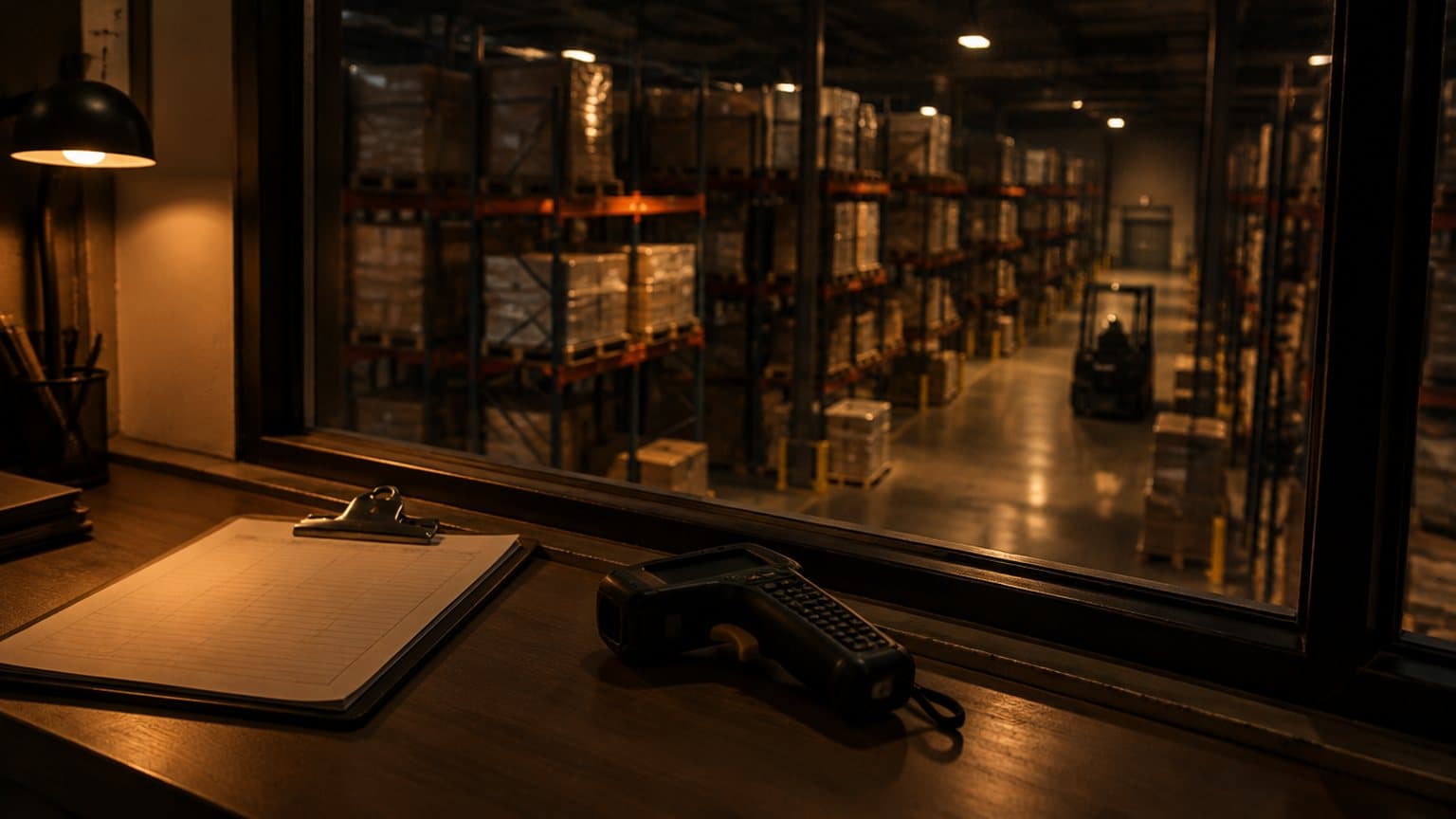
The call usually arrives the same way. The system went live a year or two ago, the integrator has moved on to other work, and the numbers that looked good in hypercare have been slipping ever since. Nobody can name a cause. Our SAP EWM health check and optimisation work starts from that position, and this note walks through the first week of it: what we look at, in what order, and what each look is able to tell you.
The order is floor, then system, then people. It matters because a report tells you what the system believes happened, and the floor tells you what happened. Open the monitor first and you spend the week arguing with a screen. Stand at the dock first and the screens start to make sense.
Start on the floor, in the busy window.
Pick the busiest two hours of the busiest shift and stand with the operators. Do not help and do not coach. You are there to watch the system from the operator's side of the scanner, and three things get recorded.
Time the RF tasks.
How long does a pick take from the moment the task arrives on the handheld to the moment the next one does? Split it into travel, handling and screen time. Screen time is the system's share, and it is the part a configuration change can actually shorten.
Count the taps.
Count presses and scans to confirm one put-away, one pick, one replenishment. Then ask what the process really needs. A common pattern is a confirmation that was added in the build for a reason nobody remembers, repeated on every pallet, every shift. Each one is small. The shift multiplies it.
Watch the exceptions.
Wait for something to go wrong, because something will. A bin that is empty when it should not be, a label that will not read, a quantity that is short. Watch what the operator does next. The route they take through the exception tells you more about the system than any configuration review.
Then the system, starting with the monitor.
Back at a desk, the warehouse monitor (/SCWM/MON) is the first stop. Look at open warehouse tasks and their age, and at the queues and their backlogs. Tasks that stay open past the shift that created them are usually one of two things: work nobody confirmed, or stock that physically moved while the task sat there. Lay what the monitor shows beside what you saw on the floor. A backlog on screen that the floor knows nothing about is ghost work. A busy floor over a clean monitor means work is happening outside the system. Our note on where system and reality part ways covers how those gaps open up.
Which exception codes get used, and which get avoided.
Exception codes are how an operator tells the system that reality differs from the plan. List the ones that exist, then see which are used and which never are. A code that never fires for a problem you watched happen three times in two hours means the operators are avoiding it, usually because it triggers a long follow-up or a call to a supervisor. We go deeper on that in the exceptions the floor avoids.
Physical inventory differences, and how they are cleared.
Look at the differences the counts have found and at how they were closed. If every difference is posted as an adjustment without anyone asking why, the books come right and the cause stays alive. Differences that repeat in one area point to a process that lets stock move without a record. An unusually quiet adjustment history can mean excellent accuracy, or it can mean nobody is counting.
Master data completeness.
Check dimensions, weights and packaging specifications, beginning with the fast movers. Missing or wrong values quietly break things downstream: handling units built wrong, capacity checks that fail, put-away that cannot find a bin that fits. Operators feel these as the system being awkward. The cause lives in a field nobody filled in.
Custom code, and the reason behind each piece.
Get the list of custom objects and ask for the reason behind each. Some earn their place. Others work around something standard EWM does now, or record a decision made during the build that nobody revisited. Custom code is not wrong by default, but it costs something at every upgrade and every support call, so each piece should have a reason you can say out loud. The Z-code tax is worth knowing before you read the list.
Background jobs and interfaces.
Check what runs overnight, what fails, and who finds out. A job that fails and is rerun by hand each morning is a standing cost and a standing risk. Look at the interface error queues too, toward the ERP, toward any automation, toward carriers and printers. A growing queue of unprocessed messages is a backlog the floor will meet sooner or later.
Who supports it, and how fast.
Trace one real fault from the floor to the fix. Who did the operator tell, who logged it, who changed what, and how long did it take? A support team that has never stood on the floor tends to close tickets without changing the operator's day.
Then the people.
Ask who the key users were at go-live and who is still here. Ask who trains a new starter today. In a common pattern the people trained for the rollout have moved on, and newcomers learn from the person on the next bay, workarounds included. Training decay does not appear in any system log. You find it by asking an operator how they were shown the job and listening for whose version it was.
A backlog item without a size is an opinion.
What comes out: a backlog with sizes.
The output of the week is a backlog, and every item in it is sized in taps, seconds or dollars. Removing a confirmation that earns nothing is taps per task multiplied by tasks per shift. A master data fix is the picks that stall today. A failing job is the hours someone spends rerunning it. Sizing does two jobs. It puts the work in an order, and it lets you defend the budget for the first few items to someone who has not seen the floor.
Some items go on the list marked as not worth fixing. The return is smaller than the cost, or the exception happens twice a month, or the site is due to change anyway. Writing that down stops the same debate returning every quarter, and it is part of the honesty a health check owes you.
When the problem is not EWM.
Sometimes the system is fine. A health check that blames EWM for everything is as useless as one that blames the floor for everything. The cause can be hardware: scanners that struggle with the labels, dead spots in the wireless coverage, handhelds that are tethered to a point when the operator moves. Or it can be the operation: a pick face layout that forces long walks, inbound that arrives in clumps, a roster that does not match the work.
Our EWM rescue case study is a fair example. The floor could not scan, and the cause was not one fault but several stacked up: barcodes printed to the wrong symbology, hardware procured tethered to fixed points, and a reflective cover over the labels. Fixing the system alone would not have helped. If scanning is your symptom, start with when the floor cannot scan.
How Luminar approaches a health check.
We are independent and we do not sell the build, so the finding can be "leave it alone" or "this one is not an EWM problem" and it costs us nothing to say. A senior consultant spends the day on your floor in the busy window, reads the monitor and the rest of the system alongside it, and writes the result in plain language within five working days: a sized backlog, with the not-worth-fixing items marked. No proposal attached.